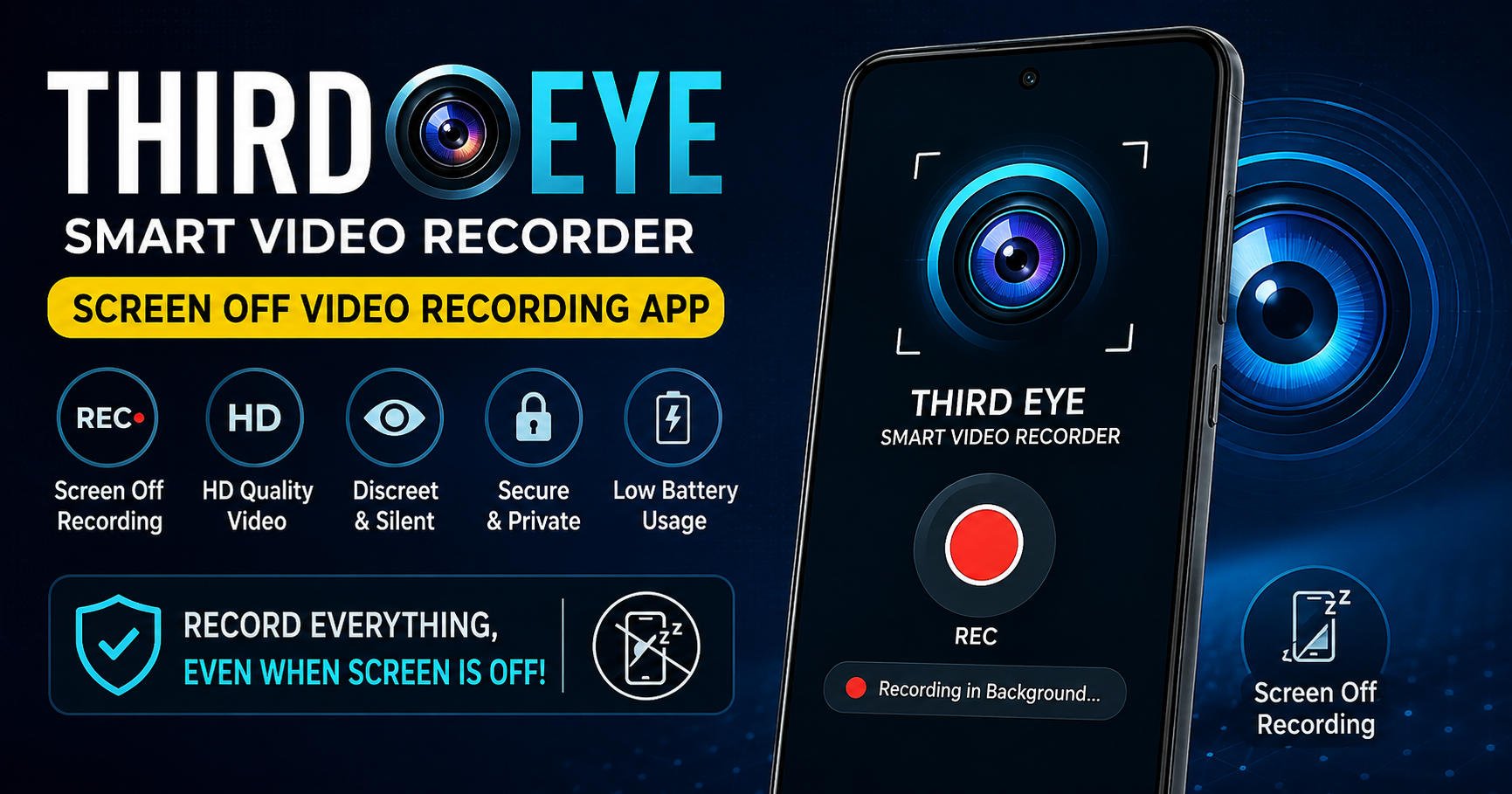
Third Eye-Smart Video Recorder என்றால் என்ன?
இன்றைய smartphone காலத்தில் video recording என்பது சாதாரண camera feature-ஐ தாண்டி பல்வேறு தேவைகளுக்கு பயன்படுத்தப்படுகிறது. அந்த வகையில் Third Eye-Smart Video Recorder என்பது Android users-க்கு useful ஆக இருக்கும் ஒரு camera application. இந்த app-ன் முக்கியமான சிறப்பு என்னவென்றால், phone screen completely off-ஆக இருந்தாலும் video recording செய்யும் வசதியை வழங்குகிறது. அதாவது, சாதாரண camera app போல screen எப்போதும் ON-ஆக இருக்க வேண்டிய அவசியம் இல்லாமல் recording செய்ய முடியும். Google Play listing-ன் படி, இந்த app-ஐ Infinity idea technology உருவாக்கியுள்ளது; மேலும் இது front மற்றும் back camera support, multiple video resolutions மற்றும் notification bar recording status போன்ற features-ஐ வழங்குகிறது.
Screen Off Video Recording எப்படி வேலை செய்கிறது?
Third Eye app-ன் most important feature screen-off video recording ஆகும். சாதாரணமாக smartphone camera-வில் video record செய்யும்போது display ON-ஆக இருக்கும். ஆனால் இந்த application மூலம் recording start செய்த பிறகு screen-ஐ completely off செய்யும் option கிடைக்கிறது. இதனால் phone display தொடர்ந்து light ஆக இருப்பதை avoid செய்யலாம். குறிப்பாக நீண்ட நேரம் ஒரு குறிப்பிட்ட scene அல்லது activity-ஐ record செய்ய வேண்டிய situations-ல் இது useful ஆக இருக்கலாம். ஆனால் recording செய்யும் முன் அந்த இடத்தில் video recording செய்வது சட்டபூர்வமாகவும் privacy-friendly-ஆகவும் இருக்கிறதா என்பதை users உறுதி செய்ய வேண்டும்.
Front மற்றும் Back Camera Support
இந்த application-ல் front camera மற்றும் back camera இரண்டையும் பயன்படுத்தும் வசதி உள்ளது. இது users-க்கு தேவைக்கேற்ப camera selection செய்ய flexibility கொடுக்கிறது. Back camera பொதுவாக higher-quality recording-க்கு பயன்படுத்தப்படலாம்; front camera personal video அல்லது selfie-oriented recording-க்கு பயன்படலாம். Camera quality என்பது app மட்டும் சார்ந்தது அல்ல; உங்கள் smartphone-ல் இருக்கும் camera hardware, sensor quality, processor மற்றும் Android version ஆகியவையும் final video quality-ஐ பாதிக்கும். எனவே high-quality output வேண்டுமெனில் உங்கள் phone-ன் camera capabilities-ஐயும் கருத்தில் கொள்ள வேண்டும்.
Related Posts
Multiple Video Resolution Options
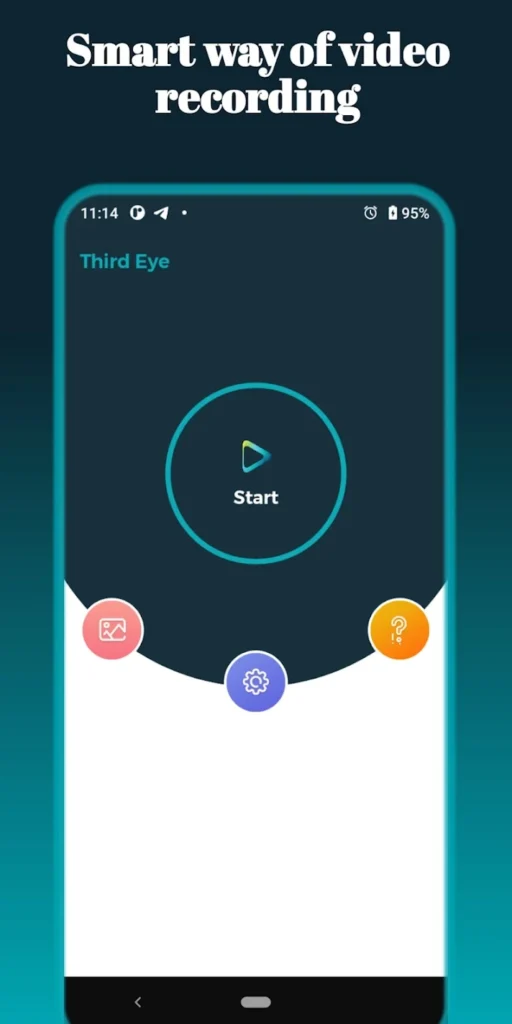
Third Eye-Smart Video Recorder பல video resolution options-ஐ support செய்கிறது. Google Play information-ன் படி 480p, HD 720p மற்றும் Full HD 1080p போன்ற resolutions கிடைக்கின்றன. Resolution selection என்பது storage மற்றும் video quality இரண்டிற்கும் முக்கியமானது. 1080p resolution தேர்வு செய்தால் image details அதிகமாக இருக்கலாம், ஆனால் storage space அதிகம் தேவைப்படும். அதே நேரத்தில் 480p அல்லது 720p போன்ற lower resolutions பயன்படுத்தினால் file size comparatively குறையலாம். எனவே short clips-க்கு high resolution பயன்படுத்தலாம்; longer recordings-க்கு available storage-ஐ கருத்தில் கொண்டு suitable resolution தேர்வு செய்வது practical choice ஆக இருக்கும்.
Notification Bar Status Feature
Recording நடக்கிறதா இல்லையா என்பதை user easily தெரிந்து கொள்ள notification bar status feature உதவுகிறது. Screen off recording பயன்படுத்தும்போது display-ல் camera interface தெரியாமல் போகலாம். அந்த நேரத்தில் recording active-ஆக உள்ளதா என்பதை system notification மூலம் check செய்ய முடியும். இது user experience-ஐ simple-ஆக வைத்திருக்க உதவுகிறது. Recording ஆரம்பித்துவிட்டு அது properly running-ஆக இருக்கிறதா என்பதை periodically check செய்வது முக்கியம், குறிப்பாக long recording செய்யும்போது battery, storage மற்றும் device temperature போன்றவற்றையும் கவனிக்க வேண்டும்.
Long-duration recording செய்யும்போது Android system மற்றும் file-size limitations முக்கியமானதாக இருக்கலாம். Third Eye listing-ல் குறிப்பிடப்பட்டுள்ள தகவலின்படி, சில Android environments-ல் video file 4GB அல்லது சுமார் 30 minutes அளவை அடையும் போது recording stop ஆகலாம். இதை manage செய்வதற்காக app-ல் “Limit time and Repeat recording” feature வழங்கப்பட்டுள்ளது. Google Play description users-க்கு device-specific limit-ஐ கருத்தில் கொண்டு recording duration configure செய்ய பரிந்துரைக்கிறது.
இந்த feature-ன் concept என்னவென்றால், ஒரு மிகப்பெரிய single video file உருவாகாமல் recording-ஐ குறிப்பிட்ட duration-ல் segments ஆக manage செய்வது. Long recording செய்யும் users-க்கு இது useful ஆக இருக்கலாம். இருப்பினும் recording duration, storage format மற்றும் phone performance ஆகியவற்றைப் பொறுத்து actual behaviour மாறக்கூடும்.
Video Storage மற்றும் Phone Memory
Video recording apps பயன்படுத்தும்போது storage space மிகவும் முக்கியம். குறிப்பாக Full HD recording செய்தால் file size வேகமாக அதிகரிக்கலாம். உங்கள் phone-ல் free storage குறைவாக இருந்தால் recording நடுவில் stop ஆகும் possibility இருக்கலாம் அல்லது video processing delay ஏற்படலாம். அதனால் recording தொடங்குவதற்கு முன்பு phone storage-ல் போதுமான free space இருக்கிறதா என்பதை check செய்வது நல்லது.
Long-duration recording தேவைப்பட்டால் SD card பயன்படுத்தும் devices-ல் compatible storage format மற்றும் card performance ஆகியவற்றையும் கவனிக்க வேண்டும். Third Eye-ன் official Play Store description-லும் 4GB file-size limitation மற்றும் SD card usage தொடர்பான குறிப்புகள் கொடுக்கப்பட்டுள்ளன.
Battery மற்றும் Device Performance
Camera recording என்பது smartphone-ன் battery மற்றும் processor மீது noticeable load ஏற்படுத்தக்கூடிய task. Screen OFF-ஆக இருந்தாலும் camera sensor, video processing மற்றும் storage writing தொடர்ந்து வேலை செய்யும். அதனால் screen off recording என்பது battery consumption-ஐ completely eliminate செய்யும் என்று நினைக்கக்கூடாது. Long recording செய்யும்போது battery level போதுமானதாக இருக்கிறதா என்பதை check செய்வது நல்லது.
மேலும் phone அதிகமாக heat ஆனால் recording performance பாதிக்கப்படலாம். High-resolution recording, hot environment மற்றும் low storage போன்ற factors சேரும்போது device performance குறைய வாய்ப்பு உள்ளது. எனவே important recording-க்கு முன்பு short test recording செய்து app மற்றும் phone combination சரியாக வேலை செய்கிறதா என்பதை verify செய்வது சிறந்த practice.
Third Eye App-ஐ பயன்படுத்துவதற்கான பொதுவான வழிமுறை
Third Eye-Smart Video Recorder பயன்படுத்துவது basic setup-க்கு பிறகு relatively simple. முதலில் trusted source, குறிப்பாக Google Play Store மூலம் application-ஐ install செய்ய வேண்டும். App open செய்த பிறகு camera மற்றும் தேவையான permissions-ஐ review செய்து allow செய்ய வேண்டும். அதன் பிறகு front அல்லது back camera-ஐ select செய்து, தேவையான video resolution-ஐ choose செய்யலாம்.
Recording duration போன்ற settings available என்றால் அதை உங்கள் தேவைக்கேற்ப configure செய்யலாம். Recording start செய்த பிறகு screen-off functionality பயன்படுத்த முடியும். Recording முடிந்ததும் application-ல் அல்லது phone storage-ல் video file properly saved ஆகியுள்ளதா என்பதை check செய்வது மிகவும் முக்கியம். Android version மற்றும் phone manufacturer-ஐ பொறுத்து menus அல்லது permissions சிறிது மாறக்கூடும்.
Privacy மற்றும் Responsible Usage
Screen-off recording feature powerful ஆக இருப்பதால் அதை responsible manner-ல் பயன்படுத்துவது மிகவும் முக்கியம். மற்றவர்களின் permission இல்லாமல் private conversations, private spaces அல்லது sensitive situations-ஐ record செய்வது privacy concerns மற்றும் சட்ட பிரச்சினைகளை உருவாக்கக்கூடும். எனவே இந்த application-ஐ personal, educational, documentation அல்லது legally permitted recording purposes-க்கு மட்டும் பயன்படுத்துவது பாதுகாப்பான அணுகுமுறை.
மேலும் app permissions-ஐ install செய்யும் முன் மற்றும் பயன்படுத்தும் போது review செய்வது நல்லது. Google Play-ல் developer-provided Data Safety information-ன் படி, app device or other IDs போன்ற data-ஐ collect அல்லது share செய்யக்கூடும் என்று listing குறிப்பிடுகிறது; இந்த தகவல்கள் developer-provided disclosures என்பதால் users அவற்றை app install செய்வதற்கு முன் review செய்வது நல்லது. (Google Play)
Third Eye-Smart Video Recorder-ன் முக்கியமான நன்மைகள்
இந்த app-ன் biggest advantage screen completely off நிலையில் video recording செய்யும் capability ஆகும். அதோடு front மற்றும் back cameras, 480p முதல் 1080p வரை multiple resolutions, notification status மற்றும் recording duration management போன்ற options கிடைக்கின்றன.
Simple camera interface தேடும் users-க்கும், screen continuously ON வைத்திருக்க விரும்பாத recording situations-க்கும் இந்த features useful ஆக இருக்கலாம். Free app ஆக கிடைப்பதும் இதன் accessibility-ஐ அதிகரிக்கிறது. Google Play listing-ல் இது ads கொண்ட free application என குறிப்பிடப்பட்டுள்ளது.
சில Limitations மற்றும் கவனிக்க வேண்டிய விஷயங்கள்
எந்த recording app-க்கும் சில limitations இருக்கும். Third Eye பயன்படுத்தும்போது phone model, Android version, camera hardware, available storage, battery மற்றும் file size போன்ற factors recording experience-ஐ பாதிக்கலாம். குறிப்பாக long-duration recording-ல் 4GB அல்லது duration-related system limitations ஏற்படலாம் என்று developer listing குறிப்பிடுகிறது. மேலும் recent user reviews-ல் சில users recording files “pending” நிலையில் இருப்பது அல்லது long recordings தொடர்பான processing issues குறித்து feedback கொடுத்துள்ளனர். இவை எல்லா devices-க்கும் பொதுவான பிரச்சினை என்று கூற முடியாது; device-specific அல்லது app-specific behaviour ஆக இருக்கலாம். அதனால் முக்கியமான recording-க்கு முன்பு test recording செய்வது நல்லது.
யாருக்கு இந்த App Useful ஆக இருக்கும்?
Third Eye-Smart Video Recorder என்பது screen-off recording capability தேவைப்படும் Android users-க்கு useful tool ஆக இருக்கலாம். குறிப்பாக display continuously ON வைத்திருக்க வேண்டாம் என்று நினைக்கும் users, different camera resolutions தேவைப்படுபவர்கள் மற்றும் recording duration-ஐ manage செய்ய விரும்புபவர்கள் இதன் features-ஐ பயன்படுத்தலாம்.
ஆனால் இந்த app-ஐ பயன்படுத்தும் போது privacy, consent, local laws மற்றும் responsible recording practices ஆகியவற்றை எப்போதும் கருத்தில் கொள்ள வேண்டும். Technology ஒரு useful tool என்றாலும் அதை எப்படி பயன்படுத்துகிறோம் என்பதுதான் அதன் real value-ஐ தீர்மானிக்கிறது.
முடிவுரை
Overall-ஆக பார்க்கும்போது Third Eye-Smart Video Recorder என்பது traditional camera recording-க்கு ஒரு different approach வழங்கும் Android camera app. Screen completely off நிலையில் video recording, front மற்றும் back camera support, 480p/720p/1080p போன்ற resolution options, notification status மற்றும் recording time management ஆகியவை இதன் முக்கியமான features. Google Play listing-ல் app-ன் latest listed update July 2025-ல் இருந்ததாகவும் Android 15 Edge issue fix உள்ளிட்ட updates குறிப்பிடப்பட்டுள்ளதாகவும் தெரிவிக்கப்படுகிறது.