
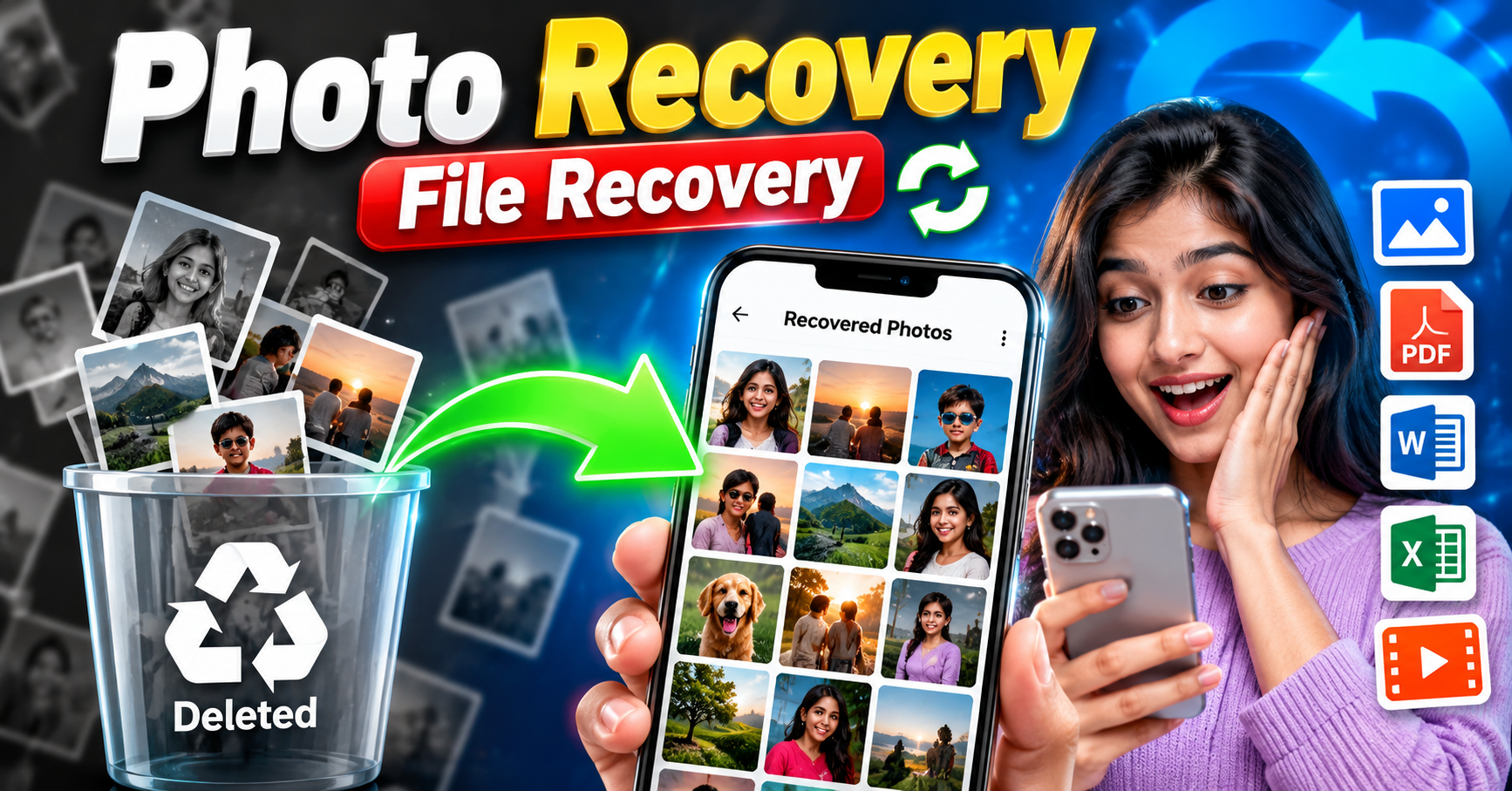
Photo Recovery and File Recovery are important processes that help users restore deleted, lost, or inaccessible data from digital devices. Photos and files often contain valuable memories, personal documents, educational materials, business records, and other important information. Accidentally deleting a photo, formatting a memory card, or experiencing a device failure can cause significant inconvenience. Fortunately, recovery software and built-in recovery features can help retrieve lost data in many situations. Understanding how photo and file recovery works, the available recovery methods, and the precautions to follow can improve the chances of restoring important files successfully.
What Is Photo Recovery?
Photo Recovery is a process used to retrieve deleted, lost, or inaccessible images from digital storage devices. These devices include smartphones, digital cameras, computers, USB drives, SD cards, and external hard drives. Users may lose photographs because of accidental deletion, storage formatting, software errors, or file system corruption. Photo recovery tools scan supported storage devices to identify recoverable image data and restore files when possible. Depending on the device and circumstances, recovered images may retain their original quality and format. However, recovery is not always guaranteed, particularly when the original data has been overwritten or securely erased.
What Is File Recovery?
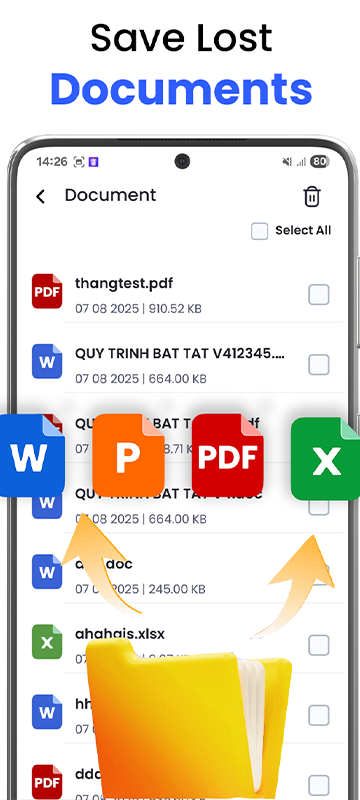
File Recovery refers to the process of restoring deleted or lost digital files, including photos, videos, documents, spreadsheets, audio recordings, PDFs, and other file types. It is useful when important information disappears because of accidental deletion, system crashes, damaged storage devices, or formatting errors. File recovery software examines storage locations for recoverable data and attempts to restore the selected files. Some recovery solutions also support damaged partitions and certain file system problems. The success rate depends on the storage technology, the cause of data loss, and whether the original data remains available. Users should always choose a recovery method that is compatible with their device and storage system.
Related Posts

Common Reasons for Photo and File Loss
There are several reasons why users may lose important photos and files. Accidental deletion is one of the most common causes, especially when cleaning storage space or removing unnecessary files. Formatting an SD card or USB drive without creating a backup can also make existing files inaccessible. Other causes include malware infections, operating system errors, interrupted file transfers, damaged memory cards, unexpected shutdowns, and hardware failures. Sometimes, files may appear missing because of incorrect folder locations or file system errors rather than permanent deletion. Identifying the actual cause of data loss is an important first step because it helps users select the safest and most appropriate recovery method.
How Photo Recovery Software Works
Photo recovery software generally scans a storage device to locate data that may still be recoverable. When a file is deleted, the operating system may mark its storage space as available for reuse instead of immediately removing every part of the underlying data. Recovery software can sometimes identify these remaining data structures and reconstruct the original files. Some tools perform quick scans using file system information, while deep scans search storage more extensively for recognizable file patterns. After scanning, the software typically displays a list of recoverable items for users to review. The user can then select suitable files and save them to another storage location. Recovery results vary depending on the device, file system, and extent of data damage.
Key Features of Photo and File Recovery Tools
Modern recovery applications often include several features designed to simplify the restoration process. File type filtering allows users to search specifically for photos, videos, documents, or other formats. Preview options help determine whether an image or document is recoverable before restoring it. Deep scanning can help identify files that are not detected during an initial scan. Some applications support multiple storage devices, including memory cards, USB drives, and computer disks. Advanced tools may also provide partition recovery and support for selected RAW image formats. Before installing any application, users should check its supported file systems, device compatibility, recovery limitations, privacy policy, and pricing structure to ensure that it meets their requirements.
How to Recover Deleted Photos from a Computer
Recovering deleted photos from a computer should begin with checking the Recycle Bin on Windows or the Trash on macOS. If the photos are present, users can restore them to their original locations. If they are missing, check available backups, cloud storage accounts, and file history or backup features that were configured before the loss occurred. When these options are unsuccessful, compatible recovery software may help identify deleted files. Avoid downloading recovery software onto the same drive that contained the lost photos, because new data could overwrite recoverable information. Whenever possible, scan the affected drive and save recovered photos to a different storage device. If the drive shows signs of physical failure, stop using it and consider professional data recovery assistance.
How to Recover Photos from Android and iPhone
Smartphone photo recovery methods depend on the device, operating system, and backup settings. On Android devices, users should check the Gallery app’s Recently Deleted or Trash folder, if available, along with Google Photos and other configured backup services. On iPhones, the Photos app contains a Recently Deleted album where eligible deleted photographs may remain temporarily. Users can also check iCloud Photos or other backups created before the deletion. If photos are no longer available in these locations, recovery options may be limited because modern smartphones use encryption and storage management methods that make direct recovery difficult. Users should avoid unfamiliar recovery applications that request unnecessary permissions or promise guaranteed results. Always verify the application provider before granting access to personal information.
Recovering Photos from SD Cards and USB Drives
SD cards and USB drives are frequently used to store photographs, videos, and documents. Data loss can occur when these devices are accidentally formatted, improperly removed, or affected by file system errors. To improve recovery chances, stop writing new data to the affected device immediately. Connect it to a trusted computer using a suitable card reader or USB port, then check whether the device is recognized correctly. If the files remain inaccessible, compatible recovery software may be able to scan the storage and locate recoverable items. Save recovered files to a separate drive rather than the original memory card or USB device. If the device is physically damaged, repeatedly reconnecting it may worsen the problem, so professional assistance may be necessary.
Important Precautions Before Recovering Files
Taking the correct precautions can help prevent additional data loss. First, stop using the storage device as soon as you notice missing files. Avoid saving new photos, installing applications, or transferring documents to the affected storage location. Do not format the device again unless there is a clear technical reason and an appropriate recovery plan. Choose reputable recovery software and download it from the official provider’s website. If the lost files are extremely important, consider creating a sector-by-sector image of the storage device or consulting a professional before attempting recovery. For devices that produce unusual noises, repeatedly disconnect, or show signs of physical damage, further DIY attempts may reduce the chances of successful recovery.
Free vs Paid Photo Recovery Software
Free and paid recovery tools differ in their features, recovery limits, and support options. Free versions may be sufficient for recovering a small number of deleted photos or testing whether files are detectable. Some free applications offer open-source recovery functions, while others limit the amount of data that can be restored without payment. Paid tools may provide more convenient interfaces, broader device support, advanced scanning features, and technical assistance. However, purchasing software does not guarantee that lost files can be recovered. Users should verify the actual recovery capabilities, supported file systems, and refund conditions before paying. It is also wise to check whether a free scan or preview can confirm that the required files are detectable before purchasing a recovery license.
How to Prevent Future Photo and File Loss
Prevention is the most reliable way to protect valuable digital information. Users should maintain regular backups of important photographs, videos, and documents. Cloud storage services can synchronize selected files across devices, while external hard drives and USB storage provide additional backup options. A useful approach is to keep multiple copies of essential data in separate locations rather than relying on a single device. Before formatting a memory card or resetting a smartphone, verify that all important files have been backed up successfully. Safely eject removable storage devices, keep operating systems updated, and use trusted security software. Periodically checking backup integrity also helps ensure that files can actually be restored when required.
Advantages and Limitations of Photo Recovery
Photo recovery tools offer several advantages, including convenience, reduced manual effort, and the possibility of retrieving valuable files without immediately seeking professional assistance. They can be particularly helpful when photos are accidentally deleted or storage is formatted without a backup. Nevertheless, recovery tools have limitations. Overwritten data may be impossible to restore, encrypted storage may restrict access, and physically damaged devices may require specialist equipment. Some recovered files may also be incomplete or corrupted. Users should understand these limitations and avoid relying on software claims that promise complete recovery in every situation. Selecting the correct method and acting quickly can improve the likelihood of success.
Download Now
Conclusion
Photo Recovery and File Recovery provide practical ways to restore deleted or inaccessible digital information from computers, smartphones, memory cards, USB drives, and other supported storage devices. By checking built-in recovery folders, reviewing backups, and using trustworthy recovery software when appropriate, users may be able to retrieve important photographs and documents. The most important step after data loss is to stop using the affected storage device to reduce the risk of overwriting recoverable information. Although recovery is not guaranteed, understanding the available methods and following proper precautions can improve the outcome. Most importantly, maintaining regular backups is the best long-term strategy for protecting valuable memories and essential digital files.