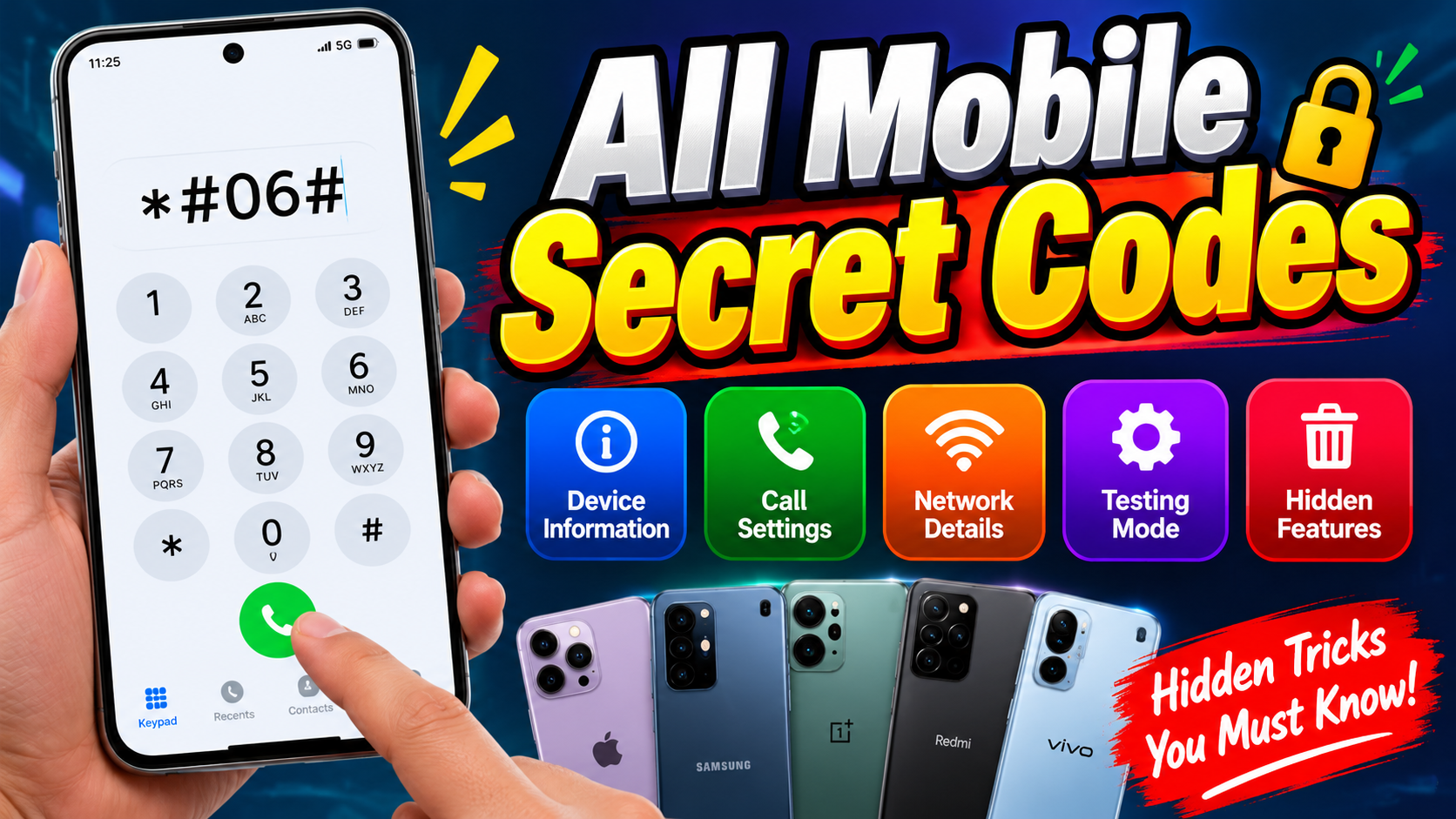
All Mobile Secret Codes: Complete Guide to Hidden Smartphone Features
Mobile phones have become an essential part of everyday life, offering features for communication, entertainment, banking, photography, and much more. However, many users do not know that their smartphones also support special dialer codes that can reveal device information, open diagnostic menus, check certain settings, and provide access to hidden testing features. These codes are commonly known as mobile secret codes, USSD codes, MMI codes, or smartphone service codes.
In this article, we will explore popular mobile secret codes for Android smartphones and iPhones, explain what they do, and discuss important safety precautions before using them. The availability of each code depends on the phone manufacturer, model, operating system, carrier, and region, so not every code will work on every device.
What Are Mobile Secret Codes?
Mobile secret codes are special combinations of numbers and symbols entered through a phone’s default dialer. Some codes display information about the device, while others open testing menus or provide access to network-related functions. For example, a supported code may display an IMEI number, help test certain hardware components, or show details about the phone’s software.
Related Posts
These codes are not necessarily secret passwords or hacking tools. Many are service shortcuts designed for technicians, manufacturers, mobile network operators, or ordinary users who need to access specific information quickly. Some codes work directly on the phone, while others require a working SIM card or support from the mobile network.
How to Use Mobile Secret Codes
Using a mobile secret code is generally straightforward. Open the Phone or Dialer application, enter the required code, and check whether the phone displays a menu or information screen. Some codes execute immediately when the final character is entered, whereas others require pressing the call button.
Before trying any code, make sure you understand its purpose. Avoid experimenting with unfamiliar codes found online, particularly those that claim to reset, erase, unlock, or reconfigure your phone. Certain service codes can change settings or erase information, and the result may not be reversible without technical assistance.
All Mobile Secret Codes List for Android Phones
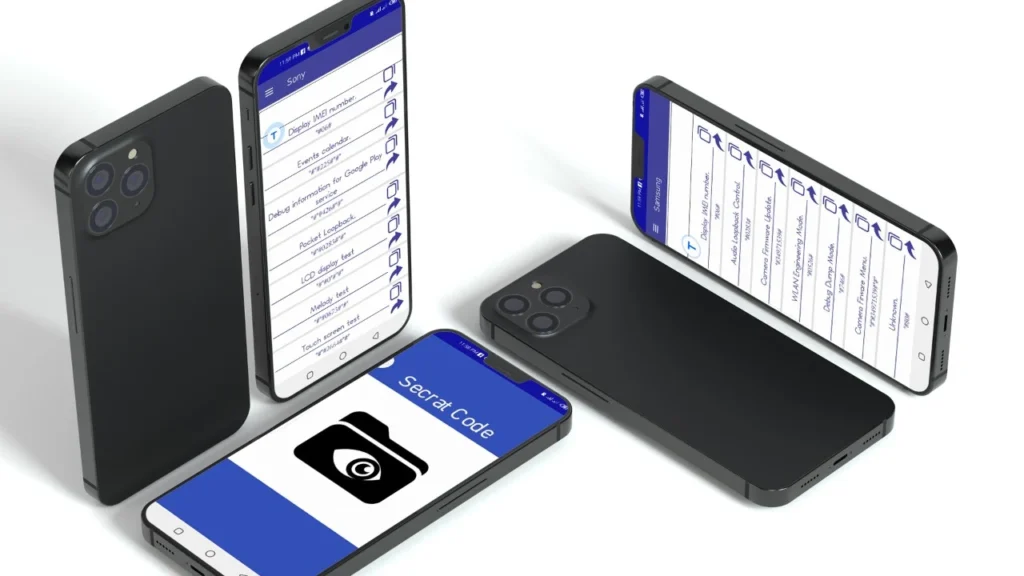
The following table includes commonly reported Android dialer codes. These are useful for checking device identifiers, opening information menus, and accessing selected diagnostic features. Some codes are manufacturer-specific and may not work on every Android version.
| Mobile secret code | Main function |
|---|---|
*#06# |
Displays the IMEI number |
*#07# |
Shows regulatory information on supported devices |
*#*#4636#*#* |
Opens phone information or testing menus on supported devices |
*#*#225#*#* |
Calendar information on some Android devices |
*#*#426#*#* |
Google Play services diagnostic information on supported devices |
*#0*# |
Samsung Galaxy hardware test menu on supported models |
*#1234# |
Samsung firmware version information on supported models |
*#0011# |
Samsung mobile network service information |
*#0228# |
Samsung battery information on supported models |
*#12580*369# |
Samsung software and hardware information on supported models |
*#0283# |
Samsung audio loopback testing on supported models |
*#0588# |
Proximity sensor test on selected Samsung models |
*#0842# |
Vibration or backlight testing on selected Samsung models |
*#2663# |
Touchscreen firmware information on selected Samsung models |
*#9900# |
Samsung system diagnostic or dump menu on supported models |
Important: Treat this as a reference list, not a guarantee that every code works. Some diagnostic menus contain advanced controls that should not be changed without technical knowledge. Samsung code availability, in particular, varies by model and software version.
Mobile Secret Codes to Check IMEI Number
The code *#06# is one of the most useful and widely supported mobile codes. It displays the International Mobile Equipment Identity (IMEI), a unique identifier associated with a cellular device. Phones that support two SIM connections may display two IMEI numbers.
This code is helpful when checking device details, preparing a warranty claim, or reporting a lost or stolen phone. In India, you can also verify device details using the official Department of Telecommunications resources. Never publish your IMEI unnecessarily or share it with an untrusted person.
Android Secret Codes for Hardware Testing
Some Android manufacturers provide diagnostic menus for checking whether hardware components are functioning correctly. Depending on the model, these tests may cover the display, touchscreen, speakers, microphone, vibration motor, sensors, or camera.
For example, selected Samsung Galaxy phones support *#0*#, which opens a hardware testing menu. You may be able to test individual components without installing a separate diagnostic application. If a code does not work, use your manufacturer’s official support application or built-in diagnostics instead of downloading unknown testing tools.
Hardware tests can help identify possible problems, but they do not always provide a definitive diagnosis. A failed test could indicate a software issue, a temporary glitch, or a hardware fault that needs professional inspection.
Mobile Secret Codes for Battery Information
Battery performance is important for every smartphone user. Some devices provide service menus that display battery-related details, such as voltage, temperature, charging status, or other technical readings.
On selected Samsung models, *#0228# may open a battery status screen. However, it is not a universal Android battery health code, and the information shown varies by device. Most users can check basic battery usage through Settings, usually under Battery or Battery Usage.
Avoid using unknown battery calibration codes or applications that promise to repair battery health instantly. A secret code cannot restore the original physical capacity of an aged battery. If your phone becomes unusually hot, swells, or shuts down repeatedly, stop using it if necessary and seek qualified service.
Mobile Secret Codes for Network Information
Mobile network diagnostic menus can help advanced users inspect information about their cellular connection. Depending on the phone, network, and carrier, available details may include the current network technology, signal measurements, or connection status.
The code *#*#4636#*#* opens a phone information menu on certain Android devices, while *#0011# provides service information on selected Samsung Galaxy phones. These menus are not available on every handset, and the information can be difficult to interpret without technical knowledge.
Avoid changing preferred network types, radio settings, or other advanced options just to improve signal strength. Incorrect changes can interrupt mobile data or calling. For ordinary connection problems, begin by toggling Airplane Mode, restarting the phone, and checking the network settings recommended by your carrier.
iPhone Secret Codes for Hidden Features
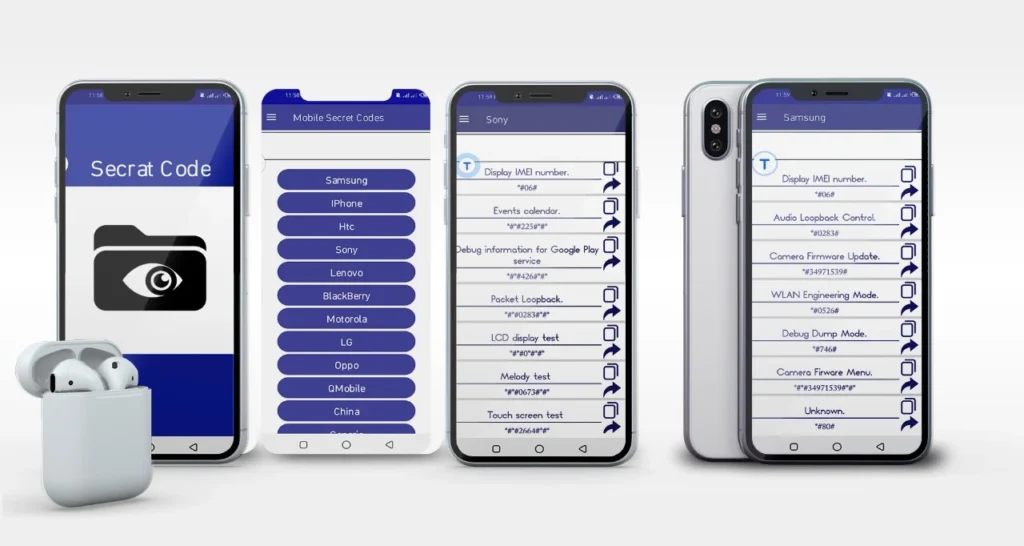
iPhones also support certain dialer codes, although Apple’s approach to diagnostics differs from Android. Many iPhone codes are related to cellular network information, call forwarding, call waiting, and device identifiers. Their availability depends on the iOS version, carrier, and mobile network.
| iPhone code | Purpose |
|---|---|
*#06# |
Displays IMEI information |
*3001#12345#* |
Opens Field Test Mode on supported iPhones |
*#07# |
Displays regulatory information on supported devices |
*#21# |
Checks call forwarding status on supported networks |
*#61# |
Checks unanswered-call forwarding information |
*#62# |
Checks forwarding information when unreachable |
*#67# |
Checks forwarding information when busy |
*#43# |
Checks call waiting status on supported networks |
These codes should be treated as carrier-dependent shortcuts rather than universal commands. For example, Apple’s official instructions recommend using Settings → Apps → Phone → Call Forwarding to manage call forwarding on supported iPhones. This is generally preferable to relying on an unfamiliar dialer code.
Are Mobile Secret Codes Safe to Use?
Most read-only information codes are relatively low risk when used correctly. However, not every code is harmless. Some can modify settings, enter advanced service menus, or initiate actions that may affect device operation. The risk depends on the exact code and the phone’s software.
Follow these precautions before using any mobile secret code:
-
Use only codes from reliable sources that explain their purpose.
-
Avoid factory-reset, data-erasure, firmware, and network-reconfiguration codes unless you fully understand the consequences.
-
Never enter a code supplied by an unknown caller who claims your phone is hacked.
-
Do not install untrusted APK files or grant unnecessary permissions to access hidden features.
-
Back up important data before performing any service or repair procedure.
-
If a menu appears unfamiliar, exit without changing any settings.
A website or message claiming that one secret code can reveal every password, read private messages, or expose another person’s phone activity is not trustworthy. Secret dialer codes are not a substitute for authorized access to a device.
Why Are Some Mobile Secret Codes Not Working?
There are several reasons a code might not work on your smartphone. The manufacturer may have removed the feature in a software update, your mobile carrier may restrict access, or the code may have been designed for a different device model.
Some codes also require a specific dialer application or an active cellular connection. Others are supported only in particular regions. If a code produces no result or displays an error, do not repeatedly try random alternatives.
Instead, open your phone’s Settings application, check the device information section, or consult the manufacturer’s official support website. These methods are generally more reliable for finding model details, checking battery usage, and troubleshooting everyday problems.
Download Now
Conclusion
Mobile secret codes can be useful shortcuts for accessing smartphone identifiers, diagnostic menus, network information, and selected calling features. Codes such as *#06# are particularly helpful when checking your device’s IMEI, while certain Samsung and Android models support additional hardware and software diagnostic tools.
However, there is no single list of secret codes that works on every mobile phone. Android manufacturers, iPhone software versions, and mobile network operators all have different restrictions and capabilities. Always confirm that a code is compatible with your specific device before using it, and avoid unfamiliar commands that could erase data or change important settings.