
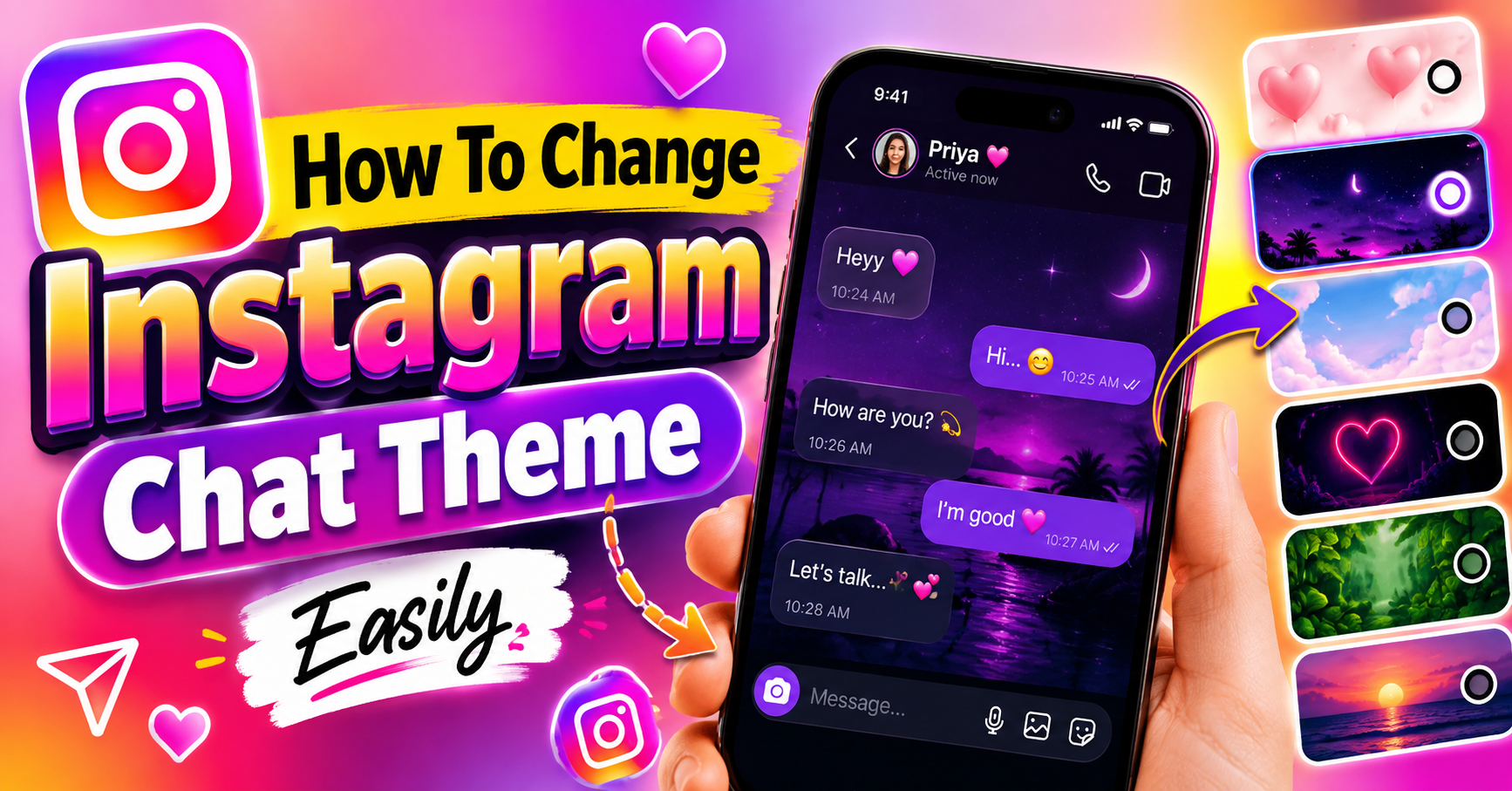
Instagram Chat Theme Change:
Instagram is one of the most popular social media platforms for connecting with friends, family members, creators, and communities. Apart from sharing photos, videos, Stories, and Reels, Instagram also provides several customization features inside Direct Messages. One of the most attractive options is the Instagram Chat Theme feature, which allows users to change the appearance of their individual conversations.
Changing the chat theme can make your Instagram messages look more colorful, stylish, and personalized. Different themes can provide different backgrounds, colors, and visual styles for your conversations. The theme can usually be changed separately for different chats, allowing you to create a unique appearance for each conversation.
What Is Instagram Chat Theme?
Instagram Chat Theme is a customization feature available in Instagram Direct Messages. It allows users to change the visual appearance of a particular chat instead of keeping the default messaging design. Depending on the themes available on your Instagram account, you may be able to select different colors, gradients, illustrations, seasonal designs, or special themes.
Related Posts
The important thing to understand is that the chat theme is generally applied to an individual conversation. This means you can select one theme for a chat with a friend and a completely different theme for another conversation. It is a simple way to make your Instagram messaging experience more personalized.
Why Change the Instagram Chat Theme?
There are several reasons why people choose to change their Instagram chat theme. The default Instagram chat design may look simple, while a customized theme can make the conversation feel more interesting and visually appealing. Some users prefer bright colors, while others may enjoy dark, minimal, romantic, or entertainment-related themes.
Chat themes can also help users differentiate between conversations. For example, you might choose a particular theme for your best friend, another theme for a family group, and a different theme for a casual conversation. The feature is mainly designed for personalization and does not change the actual messaging functionality.
How to Change Instagram Chat Theme
Changing an Instagram chat theme is generally straightforward. First, open the Instagram app on your smartphone and log in to your account. From the Instagram home screen, open the Direct Messages section by tapping the Messenger or Messages icon.
Next, select the conversation in which you want to change the theme. Once the chat is open, tap the name of the person or group displayed at the top of the conversation. This will open the chat settings and customization options.
Look for an option such as Theme or Chat Theme. Tap it to view the themes currently available to your account. Select the theme you prefer, and Instagram will apply the selected design to that conversation.
The exact names, placement, and available themes can vary depending on the Instagram app version and account. Therefore, if you do not see the option in exactly the same location, make sure your Instagram application is updated to the latest available version.

Step-by-Step Instagram Chat Theme Change
For users who want a simple procedure, the process can be followed in these steps:
- Open the Instagram app.
- Log in to your Instagram account.
- Open Direct Messages.
- Select the chat where you want to change the theme.
- Tap the person’s name or group name at the top.
- Open the Theme or Chat Theme option.
- Browse through the available themes.
- Select your preferred theme.
- Return to the conversation and check the updated appearance.
The selected theme is associated with that particular conversation. If you want to customize another chat, you can repeat the same process for that conversation.
How to Find More Instagram Chat Themes
Instagram periodically introduces new themes and visual customization options. Some themes may be associated with events, entertainment releases, seasons, special campaigns, or other occasions. Because of this, the selection available on one account may not always be identical to the selection available on another account.
To find available themes, open a conversation and enter its customization settings. From the Theme section, browse through the available choices. If Instagram has added new themes to your account, they may appear among the available options.
It is also useful to keep the Instagram app updated. New features and customization options can depend on the version of the application you are using.
Can You Change the Theme for Every Instagram Chat?
Instagram chat themes are designed to provide customization at the conversation level. You can usually select a theme for a particular conversation rather than changing every conversation simultaneously.
For example, if you change the theme of one conversation, it does not necessarily mean that all your other Instagram chats will automatically receive the same theme. You can customize individual conversations according to your preference.
This makes the feature useful for people who want different visual styles for different conversations. However, the exact behavior can depend on Instagram’s current interface and feature availability.
How to Remove or Reset an Instagram Chat Theme
If you no longer like the theme you selected, you can return to the same chat customization settings. Open the conversation, tap the name at the top, and select Theme or the relevant customization option.
From there, you can choose another available theme. Depending on the current Instagram interface, a default or original theme may also be available. Selecting it can restore the conversation to a more standard appearance. If a theme does not appear correctly, closing and reopening Instagram can sometimes refresh the interface. Keeping the application updated can also help with feature-related issues.
What Happens When You Change a Chat Theme?
Changing a chat theme mainly changes the visual appearance of the conversation. It does not delete your messages, remove shared media, or change your followers or following list. The theme is intended to personalize the messaging experience. Depending on Instagram’s current implementation, the other participant in the conversation may also see the updated theme because chat customization can apply to the conversation itself rather than being purely a private visual setting. Therefore, it is a good idea to remember that changing a conversation’s theme may affect how the chat appears to the other participant as well.
Instagram Chat Theme Not Showing: What to Do?
Sometimes users may not find the Theme option in their Instagram chat. This can happen for several reasons. The application may not be updated, the feature may not currently be available for that account, or Instagram may be testing a different interface.
Start by checking whether an update is available for Instagram through your device’s app store. After updating, reopen the application and check the conversation settings again.
You can also close Instagram completely and reopen it. If the option is still unavailable, the feature may not currently be enabled for your particular account or region. Instagram frequently changes its interface and rolls out features gradually, so different accounts can sometimes have different options.
Instagram Chat Theme on Android
Android users can change Instagram chat themes through the Instagram mobile application when the feature is available on their account. Open Instagram, enter Direct Messages, select a conversation, and access the chat customization settings.
The exact interface may vary depending on your Android version, Instagram application version, and account configuration. Therefore, the menu names may not look exactly the same on every Android device. If the Theme option is missing, updating Instagram is one of the first troubleshooting steps you can try.
Instagram Chat Theme on iPhone
The Instagram chat theme feature is also available through the Instagram app on compatible iPhone accounts. The basic process is similar: open Instagram, enter Direct Messages, select the desired conversation, and access the chat’s customization settings.
After selecting a theme, return to the conversation to view the updated design. If the feature is unavailable, check the App Store for an Instagram update and make sure you are using the latest version available for your device.
Benefits of Using Instagram Chat Themes
Instagram chat themes provide a simple way to personalize conversations without changing the rest of your Instagram profile. They can make chats visually different and more enjoyable to use.
Another benefit is that users can customize individual conversations. This provides greater flexibility than having one single appearance for all messages. Special themes can also make conversations feel more connected to particular occasions or interests. However, chat themes are primarily a visual customization feature. They do not provide additional messaging functionality or improve the technical performance of Instagram.

Things to Remember About Instagram Chat Themes
Before changing a theme, remember that Instagram’s interface can change over time. The location of the Theme option, the number of available themes, and the appearance of individual designs may vary.
You should also avoid downloading unofficial applications or modified versions of Instagram just to access additional chat themes. Using the official Instagram application is safer and helps ensure that your account information remains protected.
If a particular theme is unavailable, it does not necessarily mean there is a problem with your account. Instagram can introduce features gradually, and some customization options may not be available to everyone at the same time.
Download Now
Final Words
The Instagram Chat Theme feature is an easy way to personalize your Direct Messages and give individual conversations a different visual appearance. By opening a chat, accessing its customization settings, and selecting an available theme, users can quickly change the look of their conversation.
If you cannot find the Theme option, updating Instagram and checking the chat settings again can be useful. Since Instagram regularly updates its interface and features, the exact steps and available themes may change over time.