How to Download Telegram Application
Telegram இன்று உலகத்தில் மிகவும் fast மற்றும் secure ஆன messaging apps ல ஒன்றாக இருக்கிறது. இந்த guide ல, Telegram app என்ன, எப்படி download பண்ணலாம், எப்படி setup பண்ணலாம் என்று முழுமையாக detail ஆக பார்க்கலாம்.
What is Telegram? (Telegram என்றால் என்ன?)
Telegram என்பது ஒரு cloud-based messaging platform ஆகும். இது WhatsApp போல simple chat app மட்டும் இல்லாமல், advanced communication system ஆகவும் வேலை செய்கிறது. Telegram ல messages, photos, videos, documents எல்லாம் cloud ல store ஆகும். அதனால் எந்த device ல இருந்தாலும் உங்கள் chats easy ஆக access பண்ணலாம். Privacy க்கு முக்கியத்துவம் கொடுக்கிறது, அதனால் secret chat மற்றும் encryption போன்ற features use பண்ணி data பாதுகாப்பாக வைத்துக்கொள்ள முடியும். Business use, education groups, பெரிய communities manage பண்ண இது மிகவும் useful.
How to Download Telegram on Android (Android ல எப்படி Download பண்ணலாம்?)
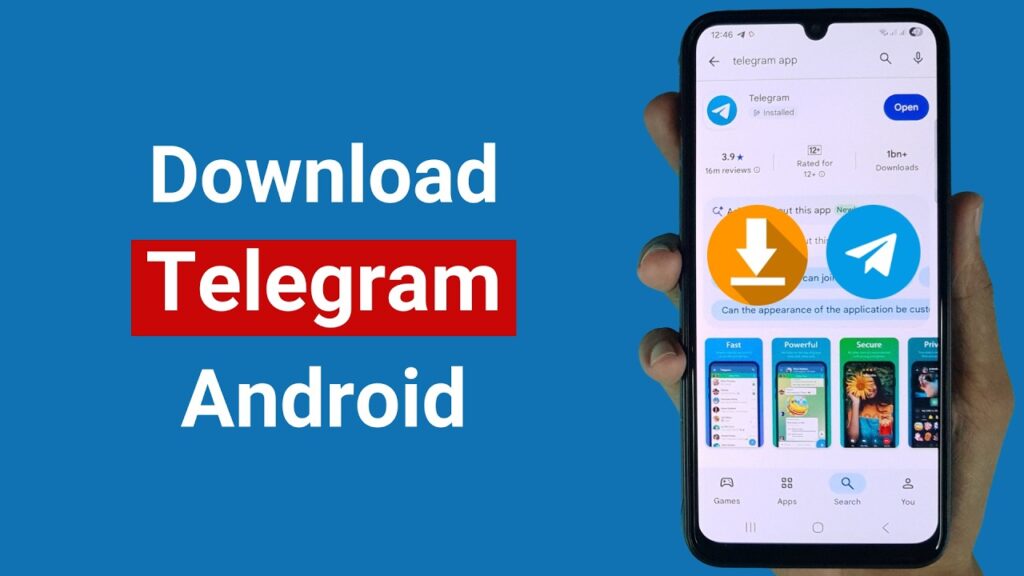
Android users க்கு Telegram download பண்ணுவது மிகவும் simple process. முதலில் உங்கள் mobile ல Google Play Store open பண்ண வேண்டும். அங்க search bar ல “Telegram” என்று type பண்ணி search பண்ணுங்கள். Official app (Telegram FZ-LLC developer) தான் install பண்ணணும். Install button click பண்ணினா சில seconds ல download மற்றும் install ஆகிடும். Install ஆன பிறகு app open பண்ணி mobile number enter பண்ணி OTP verify பண்ணினா account ready ஆகிடும். Fake apps avoid பண்ணணும் என்பதால் official app மட்டும் தான் download பண்ண வேண்டும்.
Related Posts
How to Download Telegram on iPhone (iOS ல Download செய்வது எப்படி?)
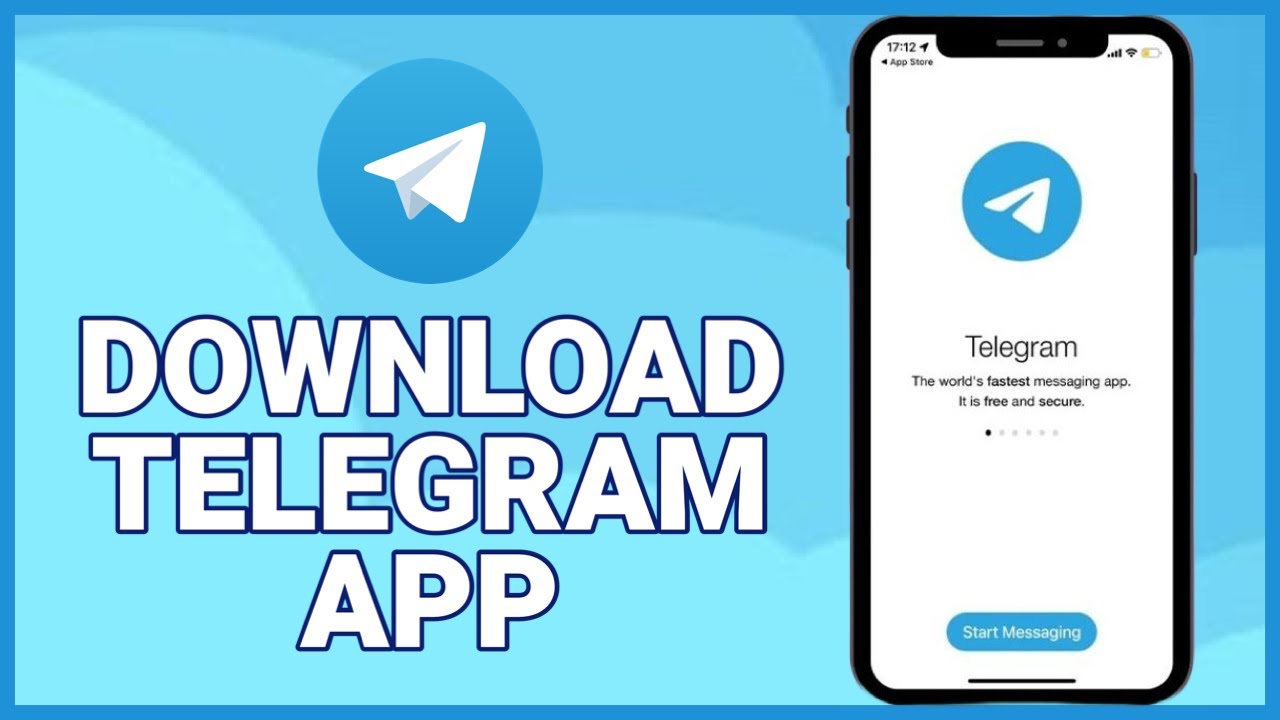
iPhone users க்கு process almost same தான், ஆனால் App Store use பண்ண வேண்டும். உங்கள் iPhone ல App Store open பண்ணி “Telegram Messenger” என்று search பண்ணுங்கள். Official app select பண்ணி “Get” button click பண்ண வேண்டும். Face ID அல்லது Apple ID password use பண்ணி download confirm பண்ண வேண்டும். Install ஆனதும் open பண்ணி mobile number verify பண்ணி account create பண்ணலாம். iOS version ல UI smooth ஆக இருக்கும் மற்றும் security features கூட strong ஆக இருக்கும்.
How to Setup Telegram Account (Account Setup செய்வது எப்படி?)
Telegram install பண்ணின பிறகு account setup பண்ணுவது மிகவும் easy. முதலில் app open பண்ணி உங்கள் mobile number enter பண்ண வேண்டும். அதற்குப் பிறகு OTP வரும், அதை verify பண்ண வேண்டும். அதன் பிறகு உங்கள் name மற்றும் profile photo add பண்ணலாம். Setup முடிந்தவுடன் contacts automatically sync ஆகும். நீங்கள் friends, குடும்பம், groups எல்லாம் connect ஆகலாம். Settings ல privacy options adjust பண்ணி உங்கள் account பாதுகாப்பாக வைத்துக்கொள்ளலாம்.
Key Features of Telegram (Telegram முக்கிய அம்சங்கள்)
Telegram மற்ற apps விட powerful ஆக்குவது அதன் features தான். இது unlimited file sharing support பண்ணும், அதாவது பெரிய size files கூட send பண்ணலாம். Secret chat மூலம் messages encryption ஆகும். Channels மூலம் ஒரு message லட்சக்கணக்கான users க்கு send பண்ணலாம். Bots use பண்ணி automation செய்யலாம். Cloud storage இருப்பதால் backup தேவையில்லை. ஒரே account multiple devices ல use பண்ணலாம். இந்த எல்லா features கூட சேர்ந்து Telegram ஒரு advanced communication platform ஆக மாற்றுகிறது.
Tips Before Downloading Telegram
Telegram download பண்ணும் போது சில முக்கியமான விஷயங்கள் கவனிக்க வேண்டும். Always official sources (Play Store, App Store, official website) மட்டும் use பண்ண வேண்டும். Unknown APK files download பண்ணக்கூடாது. Account create பண்ணும்போது strong privacy settings enable பண்ண வேண்டும். Two-step verification use பண்ணினா extra security கிடைக்கும். Unknown links மற்றும் spam messages avoid பண்ணுவது நல்லது. இந்த tips follow பண்ணினால் உங்கள் Telegram usage safe ஆக இருக்கும்.
Telegram Download Overview Table
| Category | Details |
|---|---|
| App Name | Telegram |
| Developer | Telegram FZ-LLC |
| Platform | Android, iOS, Windows, Mac |
| File Size | ~50MB (approx) |
| Login Method | Mobile Number |
| Cost | Free |
| Security | End-to-End Encryption |
| Special Feature | Cloud Storage |
How to Download Telegram for PC / Laptop
PC அல்லது laptop ல Telegram use பண்ணுவது மிகவும் convenient. இரண்டு options இருக்கு: ஒன்று software download பண்ணுவது, இன்னொன்று browser மூலம் use பண்ணுவது. Official website க்கு போய் software download பண்ணலாம்:
👉 Telegram Official Website
இங்கே Windows, Mac, Linux version download பண்ணி install பண்ணலாம். இல்லையெனில் direct browser ல use பண்ணலாம்:
👉 Telegram Web Login
VPN Link
இந்த இரண்டு methods ல எந்த ஒன்றை வேண்டுமானாலும் use பண்ணலாம். PC version ல typing easy ஆக இருக்கும் மற்றும் பெரிய screen ல chats manage பண்ணலாம்.
Conclusion (முடிவு)
Telegram download மற்றும் setup பண்ணுவது மிகவும் easy process. எந்த device இருந்தாலும் சில simple steps follow பண்ணினா பயன்படுத்த ஆரம்பிக்கலாம். இது fast, secure மற்றும் user-friendly app என்பதால் personal use முதல் business communication வரை எல்லாவற்றுக்கும் பயன்படுத்தலாம். Tamil ல சொல்லணும்னா – Telegram ஒரு smart communication tool. சரியான முறையில் download பண்ணி safe ஆக use பண்ணினால் இது உங்கள் daily life ல மிகவும் useful ஆக இருக்கும்.