
LightPDF என்றால் என்ன?
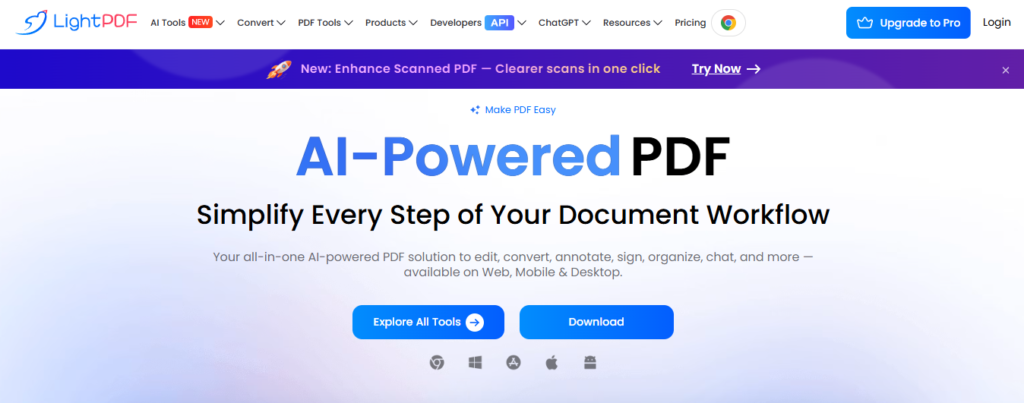
LightPDF என்பது PDF files-ஐ online-லேயே easily manage, edit, convert மற்றும் share செய்ய உதவும் ஒரு useful PDF tool. தினசரி வேலைகளில் PDF documents அதிகமாக பயன்படுத்தப்படுவதால், ஒரு document-ஐ edit செய்ய வேண்டும், Word file-ஆ convert செய்ய வேண்டும், images-ஐ PDF-ஆ மாற்ற வேண்டும் அல்லது PDF size-ஐ reduce செய்ய வேண்டும் என்ற தேவைகள் அடிக்கடி வரும். இந்த மாதிரியான வேலைகளுக்கு LightPDF போன்ற online PDF platform மிகவும் convenient-ஆக இருக்கும். Software install செய்யாமல் browser மூலமாகவே பல PDF-related tasks-ஐ செய்ய முடியும் என்பது இதன் முக்கியமான advantage. Students, teachers, office employees, business users மற்றும் general users என பலரும் PDF documents-ஐ manage செய்வதற்கு இதுபோன்ற tools-ஐ பயன்படுத்துகின்றனர்.
LightPDF-ன் முக்கிய பயன்பாடுகள்
LightPDF-ல் PDF documents தொடர்பான பல common tasks-ஐ ஒரே platform-ல் செய்ய முடியும். PDF editing, conversion, compression, merging, splitting மற்றும் document management போன்ற features users-க்கு நேரத்தை save செய்ய உதவுகின்றன. உதாரணமாக, பல PDF files-ஐ ஒன்றாக combine செய்ய வேண்டுமென்றால் merge option பயன்படும். ஒரு பெரிய PDF-ல் தேவையான சில pages மட்டும் தனியாக வேண்டும் என்றால் split அல்லது page extraction போன்ற options உதவியாக இருக்கும். இதனால் ஒவ்வொரு small task-க்கும் தனித்தனி software download செய்ய வேண்டிய அவசியம் குறைகிறது. ஒரே online platform-ல் தேவையான PDF work-ஐ complete செய்ய முடிவதால் workflow மிகவும் simple-ஆக மாறுகிறது.
PDF Edit செய்வது எப்படி?
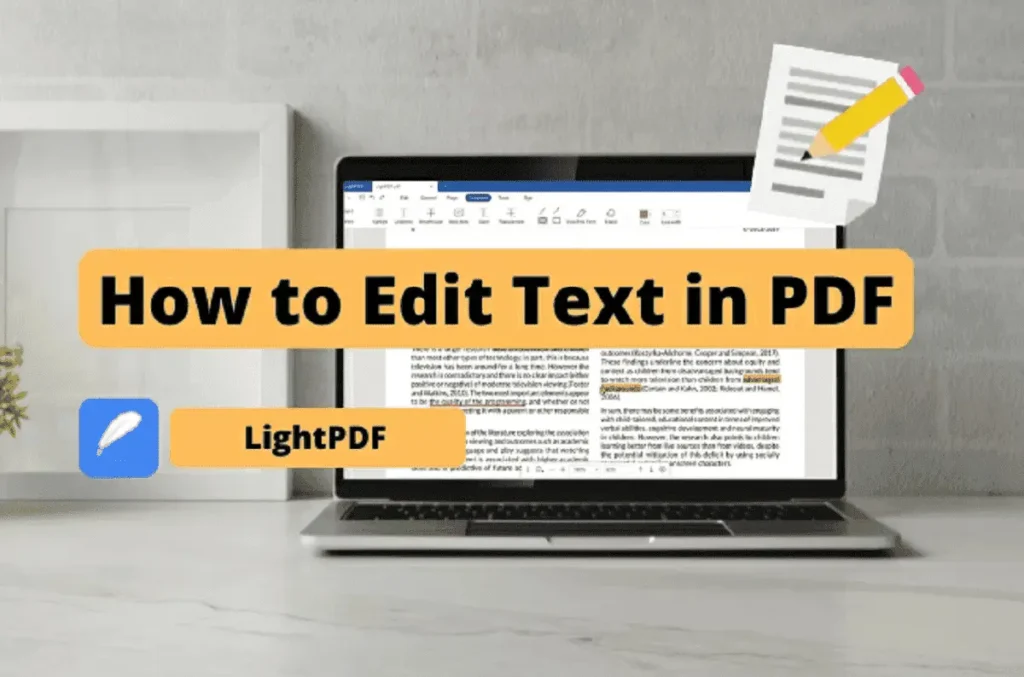
ஒரு PDF document-ல் text அல்லது other elements-ஐ modify செய்ய வேண்டிய situation office work மற்றும் academic work-ல் அடிக்கடி ஏற்படும். LightPDF போன்ற PDF editor மூலம் document-ஐ open செய்து தேவையான editing options-ஐ பயன்படுத்தலாம். சில PDF files editable format-ல் இல்லாமல் scanned document அல்லது image-based document ஆக இருக்கலாம். அப்படிப்பட்ட files-க்கு OCR technology பயன்படலாம். OCR என்பது image-ல் இருக்கும் text-ஐ identify செய்து machine-readable text ஆக மாற்றும் technology ஆகும். இதன் மூலம் scanned documents-ல் இருக்கும் information-ஐ search அல்லது edit செய்வது comparatively easier ஆகிறது. ஆனால் complex layouts மற்றும் handwritten content போன்றவற்றில் OCR accuracy மாறுபடலாம் என்பதையும் users கவனத்தில் கொள்ள வேண்டும்.
Related Posts
PDF to Word Conversion
PDF file-ஐ Word document-ஆக மாற்றுவது students மற்றும் office users-க்கு மிகவும் useful feature. சில நேரங்களில் PDF-ல் இருக்கும் content-ஐ edit செய்து update செய்ய வேண்டியிருக்கும். அந்த நேரத்தில் PDF-ஐ manually copy செய்து Word-ல் paste செய்வது time-consuming ஆக இருக்கலாம். PDF to Word conversion tool பயன்படுத்தினால் document content-ஐ editable format-க்கு மாற்ற முயற்சி செய்யலாம். Conversion முடிந்த பிறகு formatting, fonts, tables மற்றும் page layout சரியாக இருக்கிறதா என்பதை user check செய்வது நல்லது. குறிப்பாக official documents மற்றும் professional reports-ல் conversion செய்த பிறகு final document-ஐ carefully verify செய்வது முக்கியம்.
Word, Excel மற்றும் Image Files-ஐ PDF-ஆக மாற்றுதல்
பல users Word documents, Excel spreadsheets அல்லது images-ஐ PDF format-ல் share செய்ய விரும்புகின்றனர். PDF format பொதுவாக document layout-ஐ consistent-ஆக வைத்திருக்க உதவுவதால், professional sharing-க்கு இது useful. LightPDF போன்ற online tools மூலம் supported file formats-ஐ PDF-ஆக convert செய்ய முடியும். உதாரணமாக, ஒரு resume Word file-ஆக இருந்தால் அதை PDF format-ல் save செய்து job application-க்கு upload செய்யலாம். அதேபோல் certificates, bills, scanned documents மற்றும் images போன்றவற்றையும் தேவைக்கேற்ப PDF document-ஆக உருவாக்கலாம்.
PDF Compress செய்வது ஏன் முக்கியம்?
Large PDF files email மூலம் send செய்வதிலும் website-ல் upload செய்வதிலும் சில practical problems உருவாக்கலாம். File size அதிகமாக இருந்தால் upload time அதிகமாகலாம் அல்லது சில websites file-size limit காரணமாக upload-ஐ reject செய்யலாம். PDF compression feature இந்த problem-ஐ reduce செய்ய உதவும். Compress செய்யும்போது document file size குறைக்கப்படுகிறது. ஆனால் compression level அதிகமாக இருந்தால் images அல்லது text quality பாதிக்கப்பட வாய்ப்பு உள்ளது. எனவே important documents-க்கு compression செய்த பிறகு readability மற்றும் image quality சரியாக உள்ளதா என்பதை check செய்வது அவசியம்.
PDF Merge மற்றும் Split Features
பல separate PDF documents இருக்கும்போது அவற்றை ஒரே file-ஆக combine செய்ய வேண்டிய situation ஏற்படலாம். உதாரணமாக, ஒரு project report-ல் cover page, main report, certificate மற்றும் appendix ஆகியவை தனித்தனி PDF files-ஆக இருந்தால் அவற்றை merge செய்து single PDF உருவாக்கலாம். இதனால் sharing மற்றும் storage easier ஆகிறது. அதே நேரத்தில் ஒரு large PDF-ல் இருந்து குறிப்பிட்ட pages மட்டும் தனியாக தேவைப்பட்டால் split feature பயன்படுத்தலாம். இந்த இரண்டு features-ம் students, office staff மற்றும் business users-க்கு practical-ஆக மிகவும் useful.
PDF-ல் Signature மற்றும் Annotation
Digital documents அதிகமாக பயன்படுத்தப்படும் காலத்தில் PDF-ல் signature மற்றும் annotations சேர்ப்பதும் common requirement ஆகிவிட்டது. Documents-ல் comments, highlights, notes அல்லது drawing marks போன்ற annotations சேர்க்கும் வசதிகள் review process-ஐ easy ஆக்குகின்றன. ஒரு team document-ஐ review செய்யும்போது முக்கியமான பகுதிகளை highlight செய்து feedback கொடுக்கலாம். Electronic signature features சில workflows-ல் paperwork-ஐ reduce செய்ய உதவலாம். இருப்பினும் legal அல்லது official signature தேவையான documents-ல் அந்த organization அல்லது authority ஏற்றுக்கொள்ளும் digital-signature requirements-ஐ follow செய்வது முக்கியம்.
LightPDF-ல் AI Features
Modern PDF platforms-ல் Artificial Intelligence அல்லது AI-based document tools அதிகமாக பயன்படுத்தப்படுகின்றன. Long PDF document-ஐ quickly understand செய்ய, summary உருவாக்க, specific information search செய்ய அல்லது document-ஐ question-and-answer format-ல் interact செய்ய AI features உதவலாம். உதாரணமாக, ஒரு lengthy report-ஐ முழுவதும் படிக்காமல் அதன் key points-ஐ identify செய்ய AI-based assistance பயன்படுத்தலாம். Students research materials-ஐ review செய்வதிலும் office employees reports-ஐ analyze செய்வதிலும் இது time-saving ஆக இருக்கலாம். ஆனால் AI-generated information-ஐ blindly trust செய்யாமல் original document-ஐ cross-check செய்வது மிகவும் important.
Students-க்கு LightPDF எப்படி Useful?
Students தினசரி assignments, project reports, notes, question papers மற்றும் study materials போன்றவற்றை PDF format-ல் பயன்படுத்துகின்றனர். ஒரு assignment-ஐ PDF-ஆக convert செய்வது, multiple study materials-ஐ merge செய்வது அல்லது large PDF-ஐ compress செய்வது போன்ற tasks-க்கு online PDF tools உதவியாக இருக்கும். மேலும் scanned notes அல்லது textbooks போன்ற documents-ல் search செய்ய வேண்டியிருந்தால் OCR-based features useful ஆக இருக்கலாம். இதனால் study materials-ஐ organize செய்வதும் share செய்வதும் comparatively easier ஆகிறது.
Office மற்றும் Business Users-க்கு பயன்பாடு
Office environment-ல் documents தொடர்ந்து create, edit, convert மற்றும் share செய்யப்படுகின்றன. Reports, invoices, proposals, forms, agreements மற்றும் presentations போன்ற files PDF format-ல் exchange செய்யப்படுவது common. LightPDF போன்ற tools repetitive PDF tasks-ஐ simplify செய்ய உதவலாம். குறிப்பாக multiple files-ஐ combine செய்வது, file size reduce செய்வது மற்றும் documents-ஐ different formats-க்கு convert செய்வது போன்ற வேலைகள் productivity-ஐ improve செய்யக்கூடும். Remote work மற்றும் online collaboration அதிகரித்துள்ள நிலையில் browser-based PDF tools employees-க்கு additional convenience வழங்குகின்றன.
Mobile மற்றும் Online Access
Online PDF platform-ன் முக்கியமான benefit accessibility ஆகும். Desktop software மட்டும் depend செய்யாமல் browser-enabled device மூலம் PDF-related tasks செய்ய முடிவது users-க்கு flexible workflow கொடுக்கிறது. Mobile phone, tablet அல்லது computer போன்ற devices-ல் தேவைக்கேற்ப documents access செய்ய முடியும். ஆனால் mobile device-ல் editing செய்யும்போது screen size மற்றும் available features desktop experience-ஐ விட different ஆக இருக்கலாம். Important professional documents-க்கு final verification desktop அல்லது larger screen-ல் செய்வது useful.
Security மற்றும் Privacy கவனிக்க வேண்டியவை
PDF files-ல் personal information, financial details, educational records அல்லது business information போன்ற sensitive data இருக்கலாம். அதனால் எந்த online PDF service-ஐ பயன்படுத்தினாலும் privacy மற்றும் security policies-ஐ கவனமாக படிப்பது நல்லது. Confidential documents upload செய்வதற்கு முன் platform எவ்வாறு files-ஐ handle செய்கிறது, storage policy என்ன, uploaded files எவ்வளவு காலம் retain செய்யப்படுகின்றன போன்ற details-ஐ check செய்ய வேண்டும். Password-protected அல்லது highly sensitive documents என்றால் additional security measures பயன்படுத்துவது advisable. Public computer அல்லது shared device-ல் PDF work செய்தால் logout செய்வதும் downloaded files-ஐ remove செய்வதும் பாதுகாப்பான practice.
LightPDF பயன்படுத்தும் போது கவனிக்க வேண்டியவை
PDF conversion அல்லது compression போன்ற operations முடிந்த பிறகு output file-ஐ download செய்வதற்கு முன் அல்லது share செய்வதற்கு முன் once review செய்வது நல்லது. Text formatting, page order, tables, images மற்றும் hyperlinks சரியாக இருக்கிறதா என்பதை check செய்ய வேண்டும். OCR செய்யப்பட்ட documents-ல் spelling அல்லது character recognition errors இருக்கலாம். அதேபோல் conversion செய்யப்பட்ட Word files-ல் original layout முழுமையாக preserve ஆகாமல் இருக்கலாம். எனவே important documents-க்கு automated conversion மட்டும் depend செய்யாமல் final proofreading மற்றும் verification செய்ய வேண்டும்.
LightPDF-ன் முக்கிய நன்மைகள்
LightPDF போன்ற online PDF tools-ன் biggest advantage convenience. Users-க்கு PDF-related tasks செய்ய பல different applications install செய்ய வேண்டிய necessity குறைகிறது. Conversion, editing, compression, merging, splitting மற்றும் AI-assisted document handling போன்ற functions ஒரே ecosystem-ல் கிடைப்பது workflow-ஐ simple ஆக்குகிறது. Beginners-க்கும் familiar browser interface காரணமாக basic PDF tasks comparatively easy-ஆக இருக்கும். அதே நேரத்தில் professional users repetitive document management work-ஐ faster-ஆக complete செய்ய இந்த வகையான tools-ஐ பயன்படுத்தலாம்.
முடிவுரை
மொத்தத்தில், LightPDF என்பது PDF documents-ஐ manage செய்வதற்கான ஒரு useful online solution ஆக பார்க்கப்படுகிறது. PDF edit, convert, compress, merge, split மற்றும் document analysis போன்ற common requirements-ஐ ஒரே workflow-ல் handle செய்யும் வசதி users-க்கு நேரத்தையும் effort-ஐயும் save செய்ய உதவுகிறது. Students-க்கு study materials மற்றும் assignments manage செய்யவும், office users-க்கு professional documents process செய்யவும் இது போன்ற PDF tools practical value கொண்டவை. அதே நேரத்தில் confidential information உள்ள files-ஐ upload செய்யும்போது privacy மற்றும் security aspects-ஐ கவனிக்க வேண்டும். எந்த PDF tool-ஐ பயன்படுத்தினாலும் final output-ஐ verify செய்வது முக்கியம். சரியான முறையில் பயன்படுத்தும்போது LightPDF போன்ற tools digital document management-ஐ much easier, faster மற்றும் more convenient ஆக மாற்ற உதவும்.