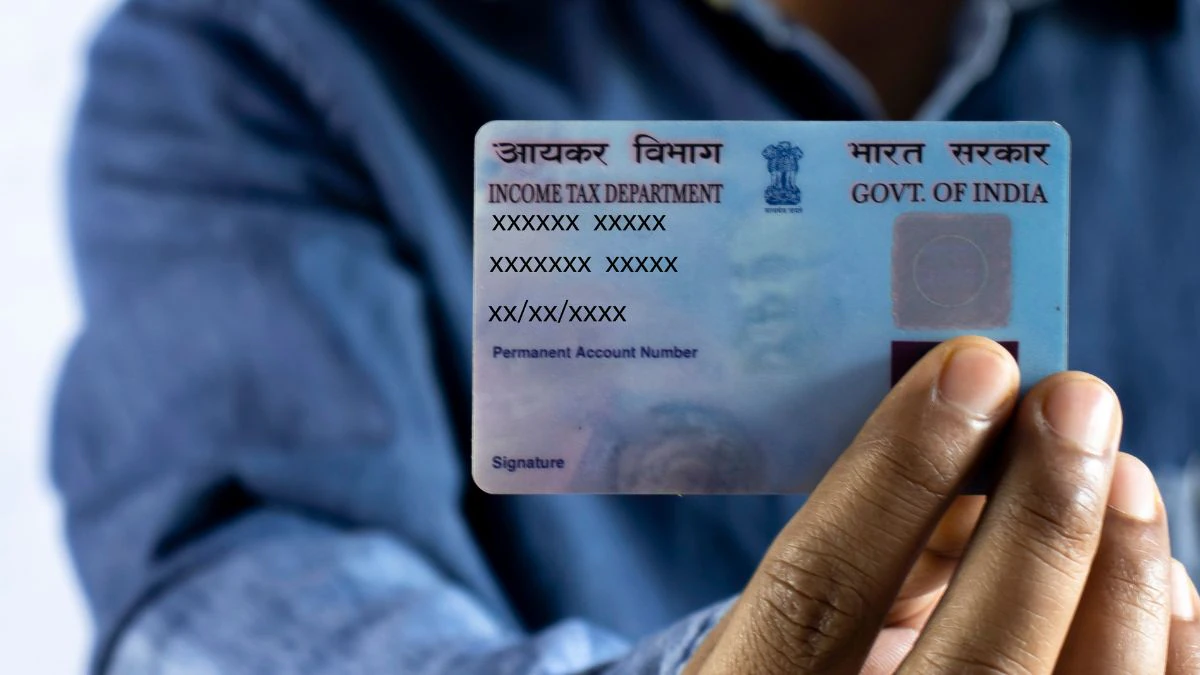
What is a PAN Card?
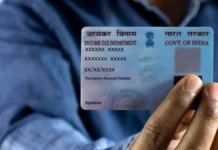
A Permanent Account Number (PAN) is a unique 10-digit alphanumeric number issued by the Income Tax Department of India. It is used to track your financial transactions and is very important for banking, filing income tax, and many official purposes in India.
Why is PAN Card Important?
A PAN card is required for many activities such as:
- Opening a bank account
- Filing income tax returns
- Buying or selling property
- Applying for loans
- Making high-value transactions
Without a PAN card, you may face difficulties in financial and legal activities.
Related Posts
Types of PAN Applications
There are two main types of PAN applications:
- New PAN Card – If you are applying for the first time
- Correction/Update PAN – If you want to correct details in your existing PAN
Documents Required
Before applying, keep these documents ready:
1. Proof of Identity (Any one)
- Aadhaar Card
- Voter ID
- Passport
- Driving License
2. Proof of Address
- Aadhaar Card
- Electricity Bill
- Bank Statement
3. Proof of Date of Birth
- Birth Certificate
- SSLC Certificate
- Passport
How to Apply PAN Card Online
Applying online is the easiest method. Follow these steps:
Step 1: Visit Official Website
Go to the official PAN application website of NSDL e-Governance or UTI Infrastructure Technology and Services Limited.
Step 2: Select Application Type
Choose “New PAN for Indian Citizen (Form 49A)”.
Step 3: Fill the Form
Enter your details carefully:
- Full Name
- Date of Birth
- Mobile Number
- Email ID
- Address
Step 4: Submit Documents
Upload scanned copies of required documents or choose Aadhaar-based e-KYC for faster processing.
Step 5: Pay the Fee
The application fee is around ₹100–₹120 for Indian addresses. You can pay using:
- Debit Card
- Credit Card
- Net Banking
- UPI
Step 6: Verify and Submit
Check all details, submit the form, and complete OTP verification.
Step 7: Acknowledgement Number
After submission, you will receive an acknowledgement number. Use it to track your PAN status.
How to Apply PAN Card Offline
If you prefer offline method:
- Visit a PAN service center (NSDL or UTIITSL)
- Collect Form 49A
- Fill the form manually
- Attach passport-size photos
- Submit documents and pay fees
- Get acknowledgement receipt
How Long Does It Take?
- Online (e-KYC): 2–5 working days (e-PAN)
- Physical PAN Card: 10–15 days
How to Track PAN Card Status
You can track your application using the acknowledgement number on the official website of NSDL or UTIITSL.
Tips for Successful Application
- Double-check spelling of your name
- Ensure documents are clear and valid
- Use Aadhaar e-KYC for faster approval
- Keep acknowledgement number safe
Download Now
Conclusion
Applying for a PAN card is a simple and important process for every Indian citizen. Whether you choose online or offline, make sure your details are correct and documents are ready. With digital options available today, getting a PAN card is faster and more convenient than ever.